
DPL 28: What is Server Boosting in Discord?
Is it worth boosting a server as a creator/member?

If you have been reading Digital Pratik Letter for a few days now, you might know about NFTs and crypto.
If not, it’s okay; you are never late to learn anything.
At times you might be asking yourself, 'why should I join discord?'
Just how in Web 2.0 space the audience is on Instagram, Facebook, LinkedIn, etc.
In Web 3.0 space, the audience/the community is on Discord and Twitter.
Discord is like a huge wave in the Web 3.0 ocean.
It is the best platform to form, develop, build awareness, and empower your community.
Discord is like an open door for community building.
Today, we will learn how to activate the benefits and boost a Discord Server.
Boosting a Discord Server is just like upgrading the Server with better features.
And I will show you everything practically.
But before that, let me share the benefits & why you should boost discord server?
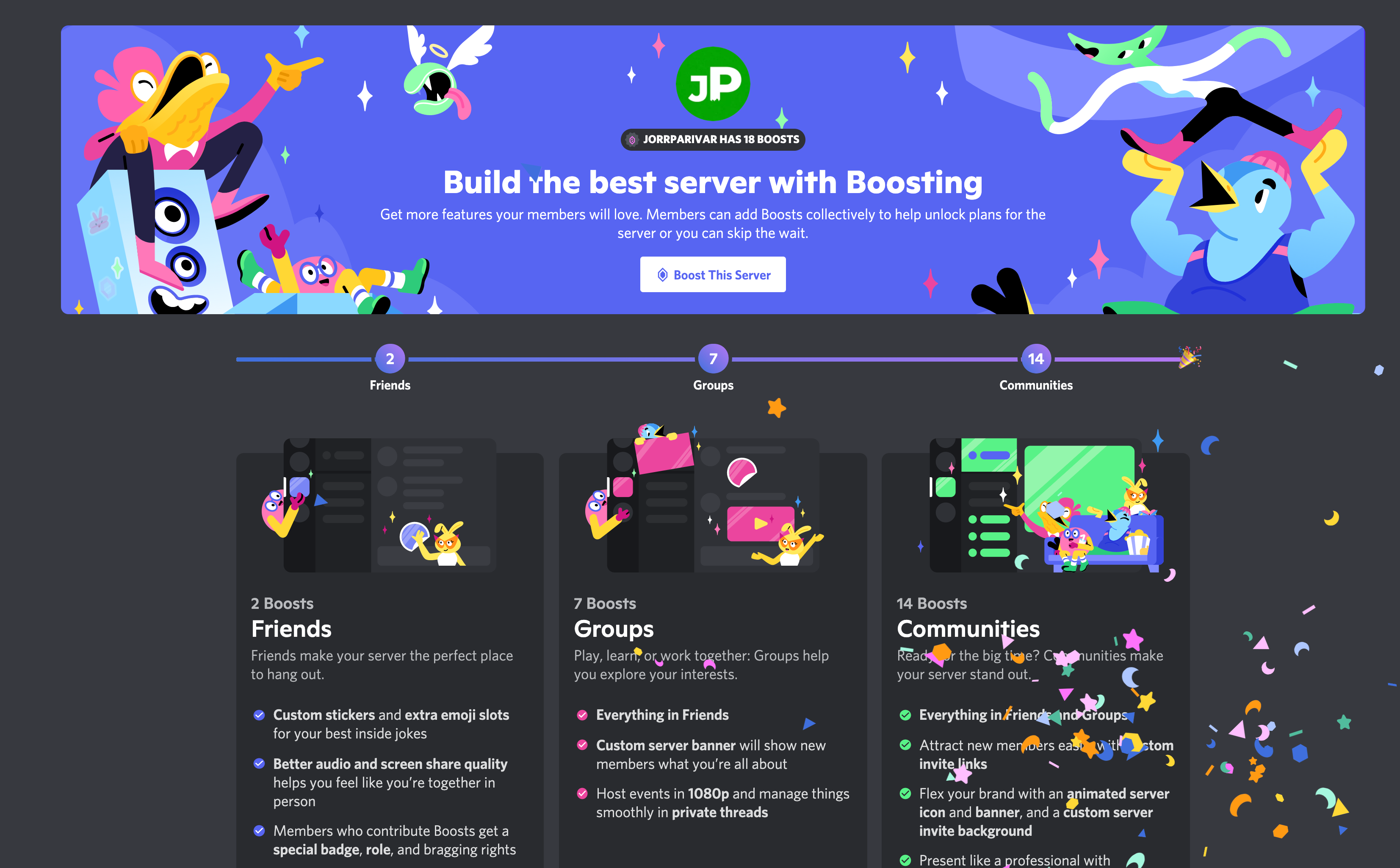
With Server Boosts, you and your community will be able to work together to unlock some fresh new and improved collective perks for a server of your choice each month and share those epic perks to the rest of your server community!
There are 3 different levels of boosting a server:
Level 1: 2 Server Boosts
Level 2: 7 Server Boosts
Level 3: 14 Server Boosts
What is included & what is the cost will be covered in a while in this letter.
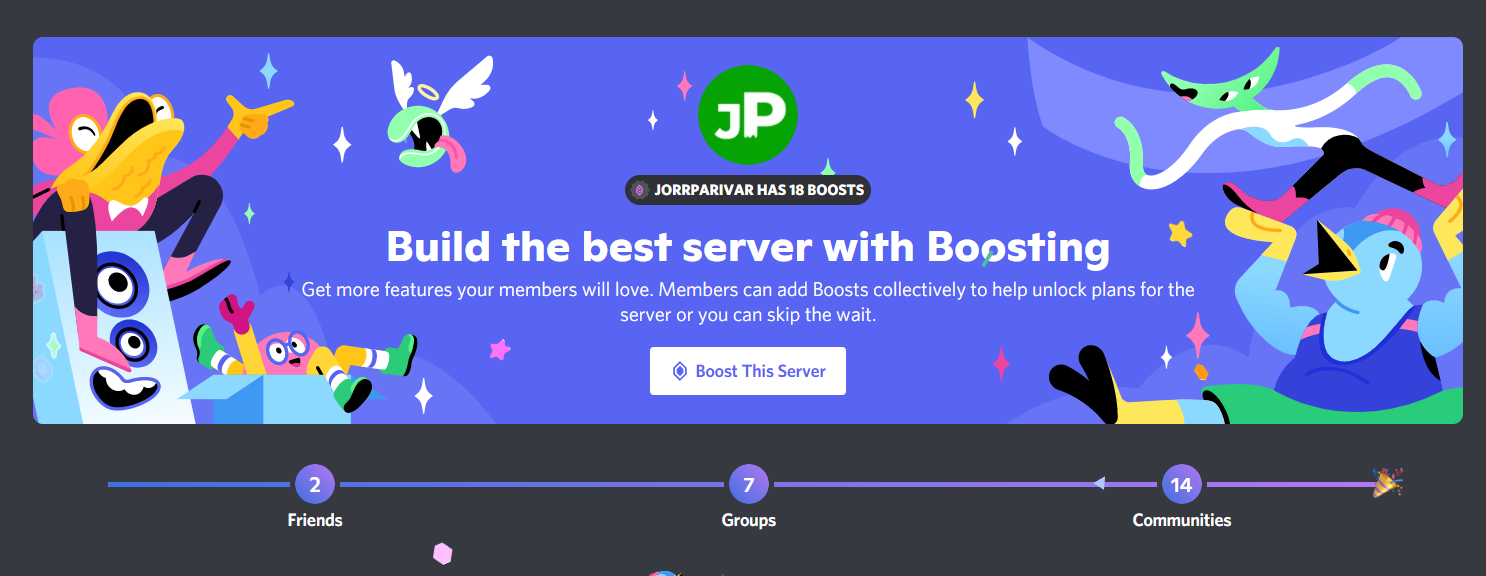
And while I am writing this letter, the JorrParivar discord server has 13/14 boosts.
So it’s at Level 2 server boost.
Let’s make it 14/14, or how about even more? ;)
Let’s begin (I am doing it on laptop but you can do it on mobile app as well).
Step 1: Click on the downward arrow of any server besides the server name.
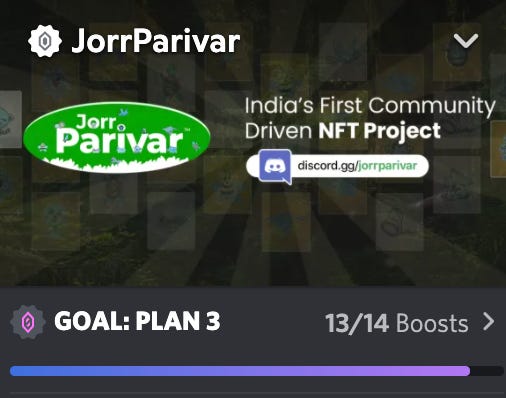
Step 2: Click on the “Server Boost” button.
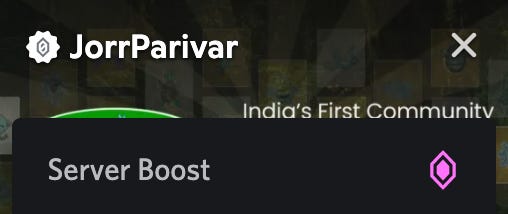
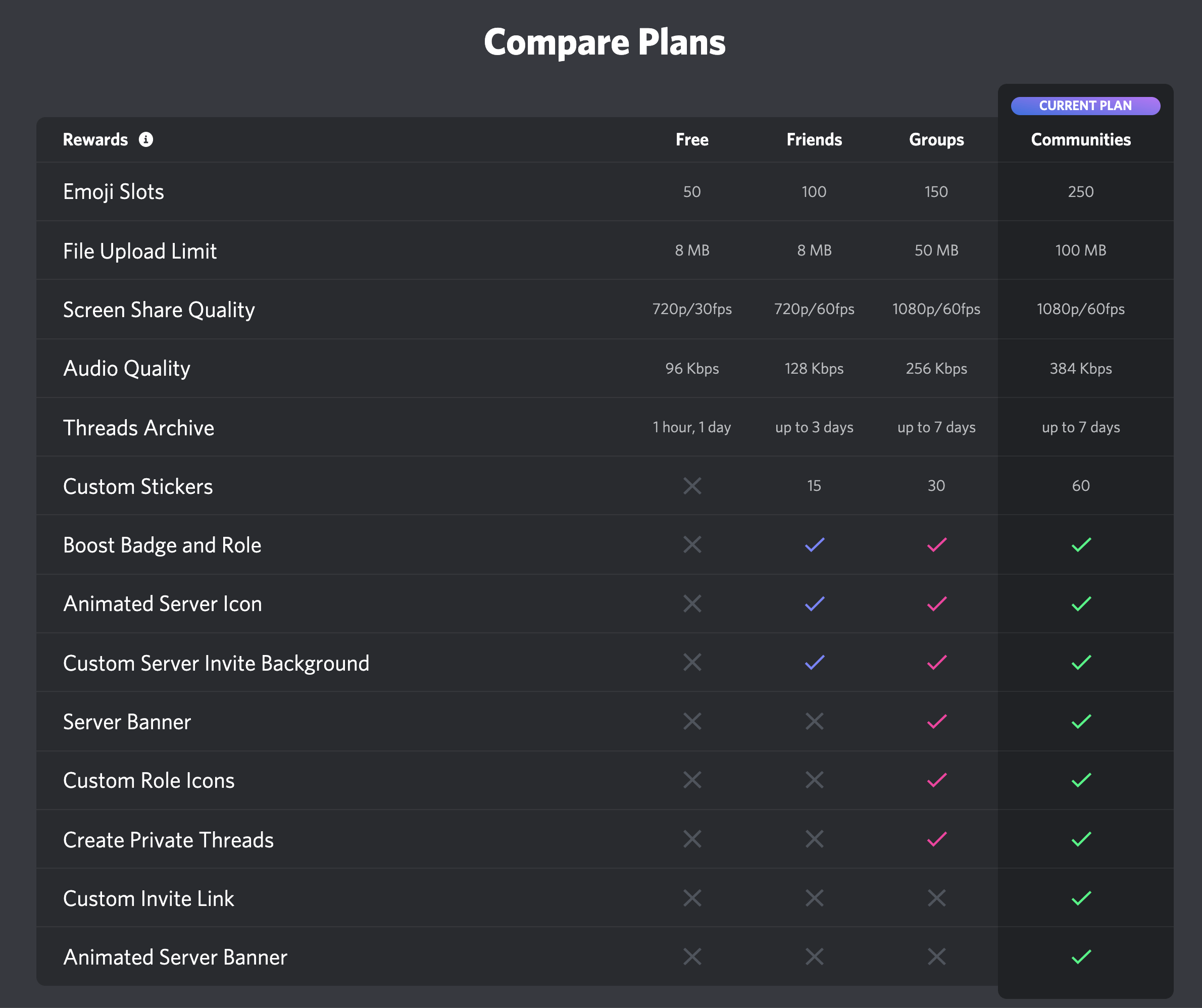
You will see something like this. And as you know, JorrParivar is a community-based project; Discord's communities plan was the best option for us.
You can opt for any plan as per your requirements.
Step 3: Click on 'Boost Server'
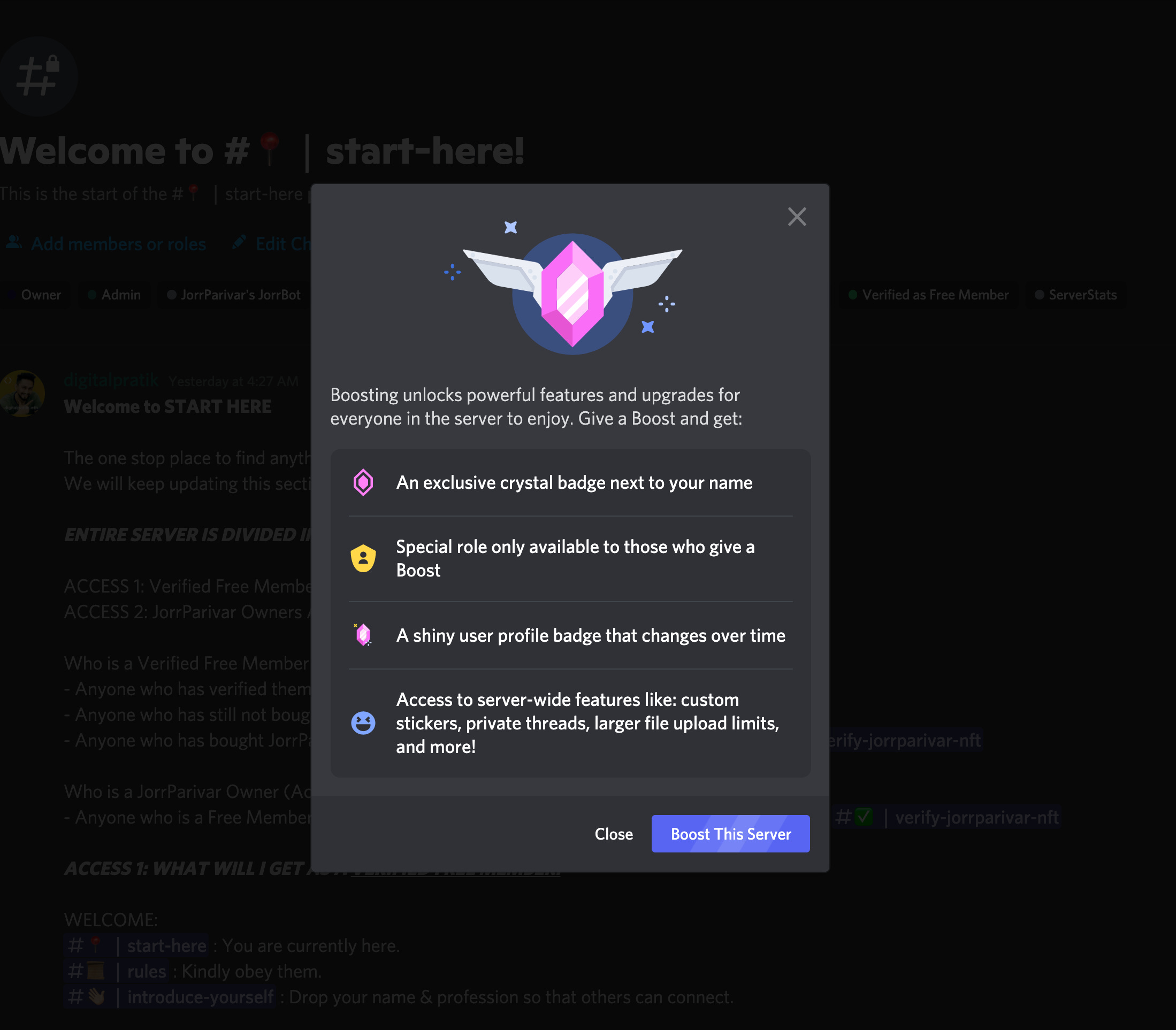
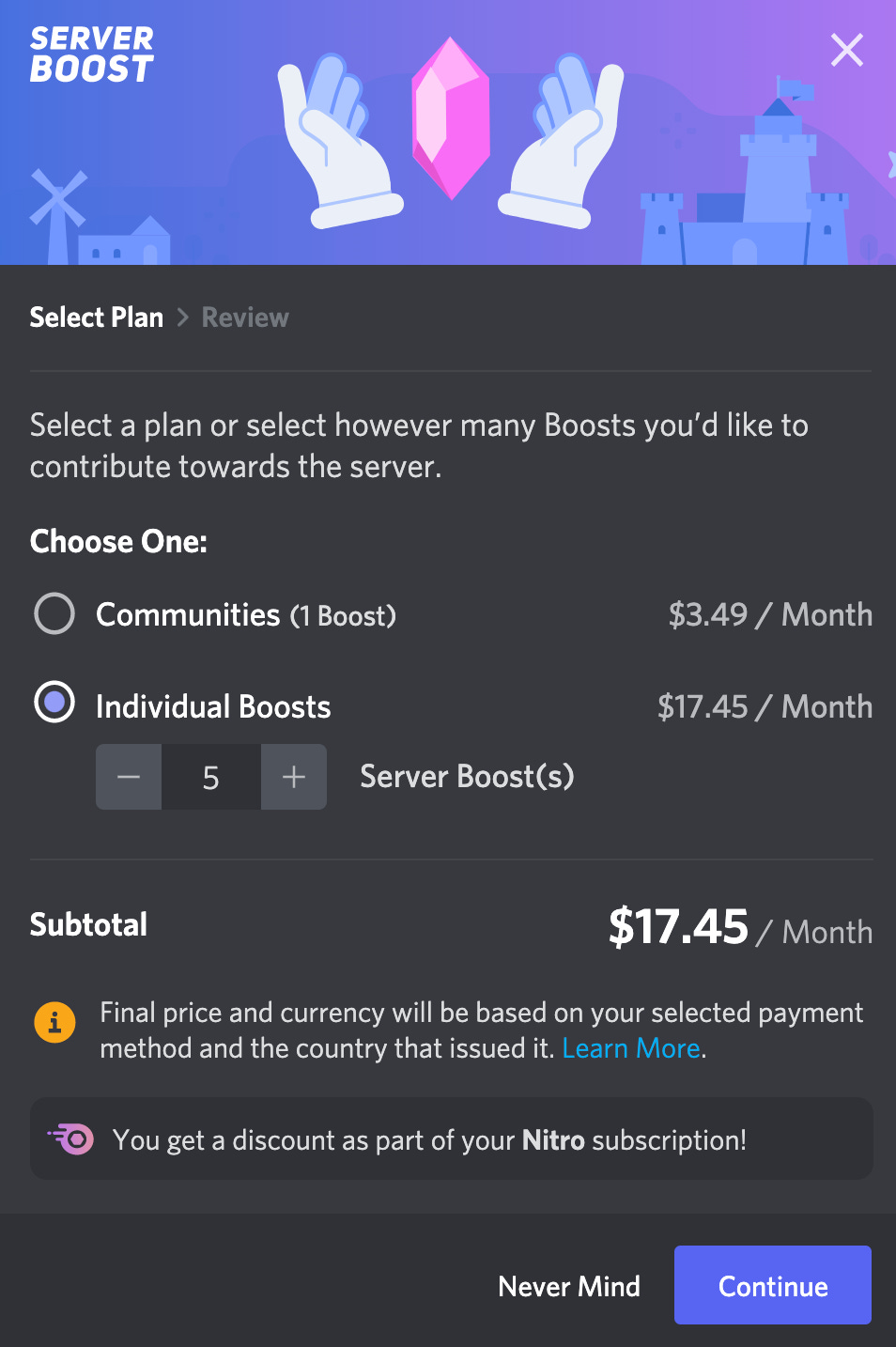
Step 4: Select the number of boosts you'd like to purchase and click on continue.
The best part is Discord itself calculates the amount for you according to the number of boosts you wish to do.
Here I have selected 5, i.e. I wish to boost the JorrParivar Server 5 times.
I indeed want the best experience for all my Parivar members.
NOTE: if you are nitro member (which I am paying every month) then you get additional discount as well.
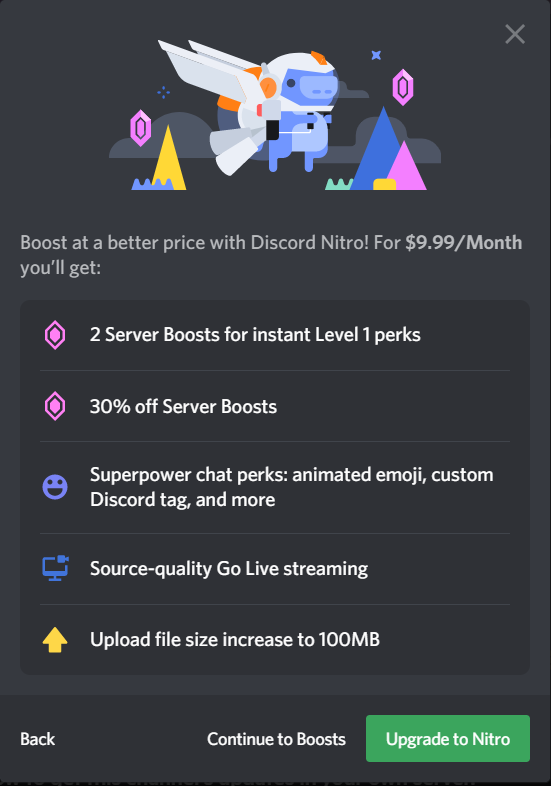
Step 5: If you don’t have a nitro subscription, it will ask you to decide if you want one or not.
If you don’t want a Nitro subscription, click on 'continue to boost.'
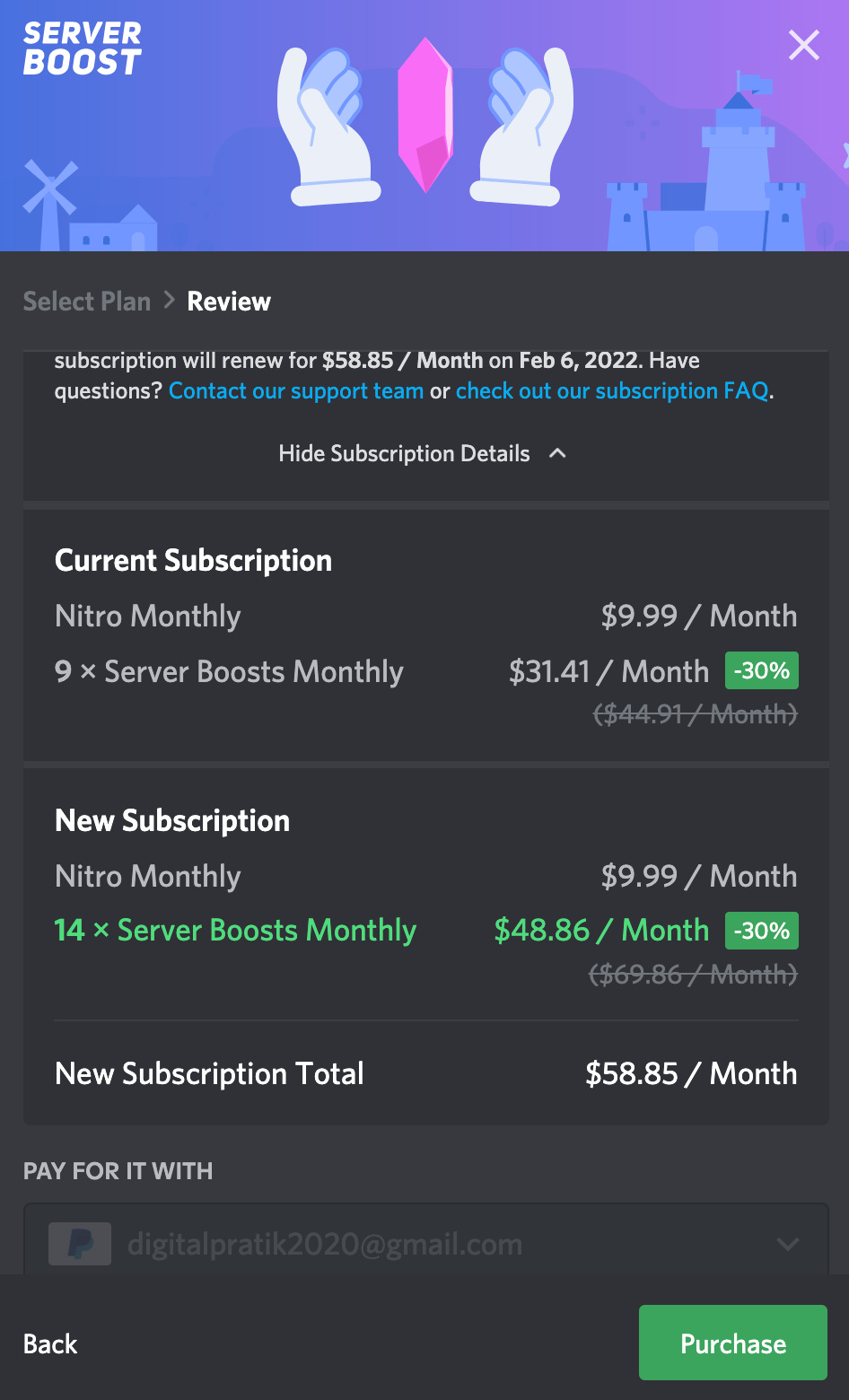
Step 6: Enter your payment information and proceed with the payment by clicking on the Purchase. As you can see, I got discount as well as I am an annual nitro member. As I nitro member, I am already getting 9 boosts every month so I chose 5 additional. In that case, every month, I would be paying for 14 server boost to maintain the community plan FOR YOUR BEST EXPERIENCE!
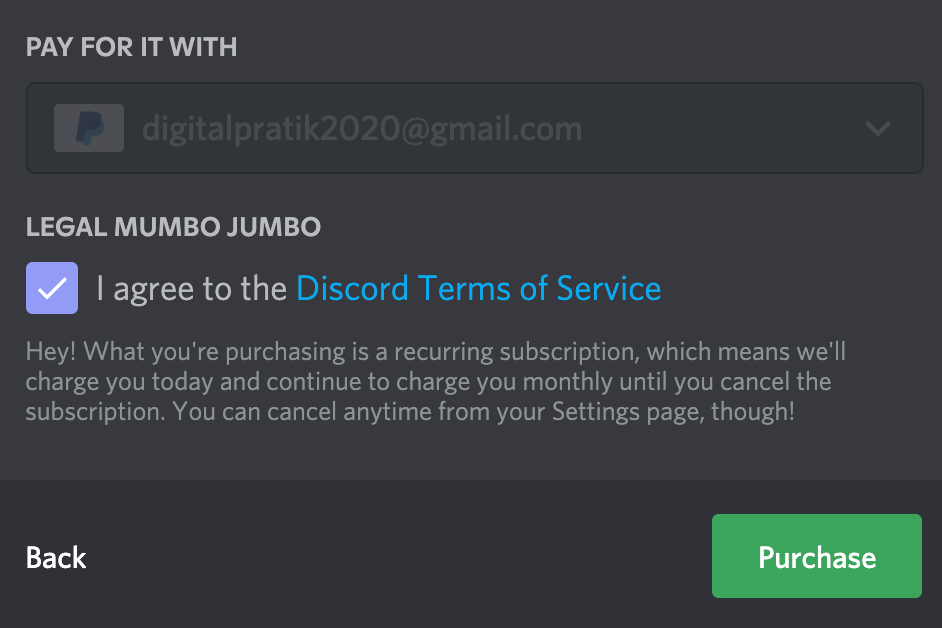
Step 7: Click on the checkbox to agree to the Discord Terms of Service.
If you wish, you can go through the Discord Terms of Service.
Step 8: Congratulations! Your boost is now activated!
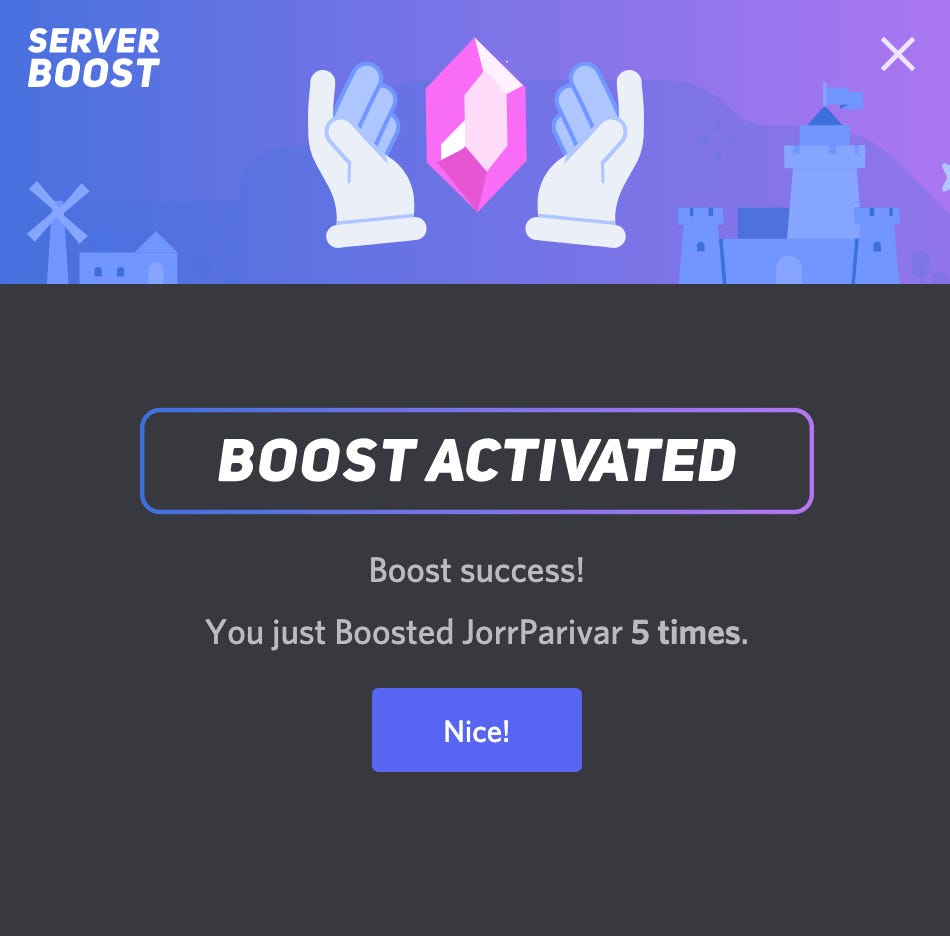
Now you and your community can enjoy the perks of the Server Boost.
Between, the fun part here is - Server Boost is a collective attempt.
Not just the owner but also moderators or members can Boost the Server.
So, to sum up:
Level 1 - 2 Server Boosts
Level 2 - 7 Server Boosts
Level 3 - 14 Server Boosts
It entirely depends upon you how many boosts you want for your Server.
Not just an extra emoji slot or animated server icon, but these boosts also improve the audio quality, streaming quality, and an increased upload limit.
We need the best features for the best community, don’t we?
So, what are you waiting for?
Join our amazing community of JorrParivar NOW!
CLICK HERE TO JOIN :)
My Web3 projects:
My NFT project:
https://jorrparivar.in
Buy on Opensea:
https://opensea.io/collection/jorrparivar
My other Web2 accounts:
Discord:
Join our NFT Discord for free NFT guides
Twitter:
Follow me for daily valuable tweets »
LinkedIn:
Follow me for daily professional storytelling »
Instagram:
Follow me for daily micro video storytelling »
YouTube:
Subscribe for daily macro micro documentation »
Facebook:
Like me for occasional friendly posts »
Spotify:
Follow & listen to daily audio documentation »
Apple Podcasts:
Follow & listen to daily audio documentation »
Learned something detailed today